10 Best AI Website Builders in 2027 (Compared for Features, Pricing, and Use Cases)
Building a website no longer has to start with a blank page, a designer, or a long list of technical tasks. With an AI website builder, you can describe what you want, generate a first version, and edit the design and content before publishing.
But not every AI website builder is made for the same job.
Some tools focus on business websites, online stores, and bookings. Others are designed for visual websites, WordPress, or interactive web applications. Pricing can also be confusing because a low advertised price may require a long prepaid subscription, and some platforms limit how many AI credits you can use.
So, which AI website builder should you choose in 2027?
In this guide, we compare 10 AI website builders for different needs, including small businesses, startups, designers, entrepreneurs, and developers. We will look at their features, pricing, flexibility, and the types of projects they are best suited for.
Our list starts with Creative AI, an AI website and app builder that lets users create websites, web applications, customer portals, marketplaces, booking systems, and other digital products.
Research note: This comparison is based on publicly available product information and official pricing pages reviewed in October 2026. Pricing, features, and offers can change, so check the linked official websites before choosing a platform or publishing this article in 2027. The rankings are recommendations by use case, not the result of a controlled performance test.
Quick Comparison: 10 Best AI Website Builders in 2027
AI Website Builder | Best For | Key Strength |
Websites, web apps, and business software | Source-code access and flexible project creation | |
Small businesses | Website creation and built-in business tools | |
Budget-conscious users | Website creation, hosting, and domain options | |
Designers and startups | Modern website design and visual control | |
Service businesses | Fast website creation and lead management | |
Creative businesses | Polished designs and professional portfolios | |
WordPress websites | AI-generated WordPress websites | |
Marketing teams and agencies | Visual design and content management | |
Web applications and prototypes | Prompt-based application development | |
Small businesses | Website and domain services in one place |
Prices and included features depend on the plan, billing period, location, and usage.
1. Creative AI: Best for Building Websites and Web Apps With Source-Code Access
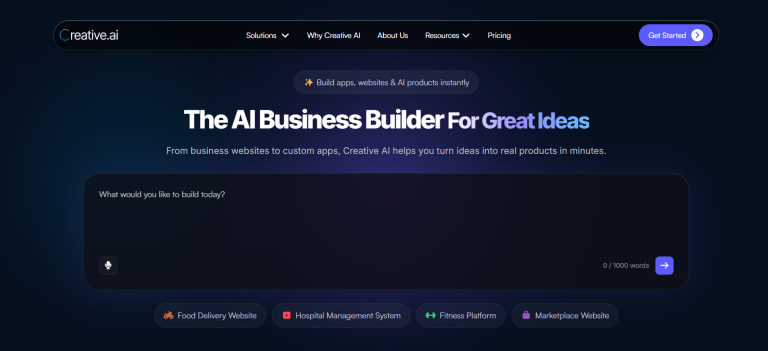
Creative AI is designed for people who want to turn a business idea into a working digital product without starting from scratch or writing code.
You can describe what you want to build, and the AI generates a starting point that you can review and improve. Depending on your project, you can create a business website, landing page, online store, customer portal, booking system, marketplace, dashboard, or web application.
This makes Creative AI relevant to more than businesses that simply need an online presence. It can also be useful for startups testing an idea, agencies creating digital products, and companies that need custom tools for their customers or employees.
Key Features
Build websites and applications: Create business websites, web apps, customer portals, marketplaces, dashboards, and booking systems using prompts.
Customize with AI: Improve your project by describing the changes you need instead of manually rebuilding everything.
Preview and test: Review your project and make improvements before launching it.
Deploy your project: Publish your work and use custom-domain deployment through the relevant plan.
Download source code: Creative AI provides source-code access so users can download their project, customize it, and host it elsewhere. This can provide more flexibility than a platform that only allows publishing within its own environment.
What Makes Creative AI Different?
Many AI website builders focus on creating the public-facing part of a business: its homepage, service pages, contact form, or online store.
Creative AI also supports app-style projects. For example, a business might start with a website and later need a customer portal, booking system, or dashboard. Being able to create these different types of products in one workflow can be useful when a business has requirements beyond a standard website.
Source-code access is another important consideration. Businesses that want greater control over their digital products should check whether they can export the code, customize it, and move their project to another hosting provider.
Creative AI offers these capabilities as part of its broader website and app-building approach.
Who Should Use Creative AI?
Creative AI is worth considering for:
- Entrepreneurs building a new business or startup MVP.
- Small businesses that need a website or custom business tool.
- Agencies creating websites and applications for clients.
- Founders testing product ideas before investing in a larger development project.
- Businesses that want source-code access and greater control over their projects.
Pricing
Creative AI lists a free option with 50 credits for trying the platform and creating an initial project. Its Pro offering lists 100 credits along with additional capabilities, including project deployment, custom-domain deployment, and source-code downloads.
Promotional pricing displayed on the website may change. Review the official pricing page to check the current offer, credit allowance, and renewal terms.
Our verdict: Creative AI is a strong option for people who want more than a conventional website. Its combination of website creation, app-style projects, AI-assisted customization, deployment, and source-code access makes it worth considering for businesses planning to build and expand digital products.
Explore: Creative AI
2. Wix: Best AI Website Builder for Small Businesses
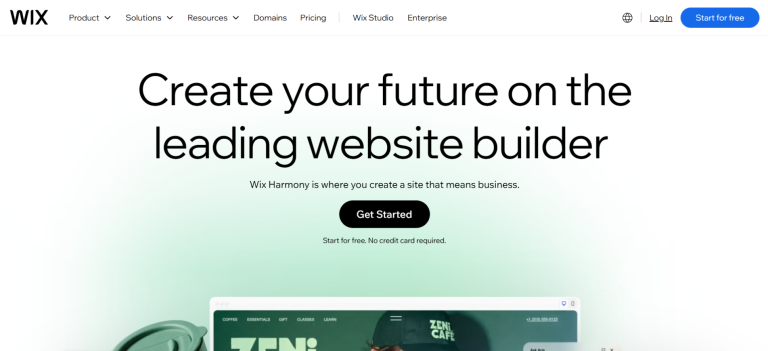
Wix is a website-building platform that combines AI-assisted website creation with a visual editor and a wide range of business features.
You can use AI to create a starting website and then customize its pages, text, images, and layout. Wix also offers tools for ecommerce, appointment bookings, marketing, analytics, and search engine optimization.
For many small businesses, having these features available within one platform can make website management easier.
Key Features
- AI-assisted website creation.
- Visual website editing and design customization.
- Ecommerce and online payment features.
- Appointment booking and business management tools.
- Marketing and SEO tools.
- Website templates and third-party integrations.
What Makes Wix Different?
Wix focuses on combining website building with tools that businesses can use after launching their websites.
For example, a consultant may need a service website and appointment bookings. An online store may need product pages and payment features. A local business may need contact forms, marketing tools, and customer management features.
Wix provides a broad collection of features for these common needs.
However, businesses should check the available export and migration options before building a long-term project. Connecting a custom domain is not the same as being able to download and host a complete copy of a website elsewhere.
Who Should Use Wix?
Wix is suitable for small businesses, consultants, freelancers, service providers, creators, and online stores that want an established website platform with business tools.
Pricing
Wix lets users start building for free. Connecting a custom domain and accessing certain business features generally requires a paid plan.
The final price depends on your location, plan, and billing period.
Our verdict: Wix is a practical choice for small businesses that want website design, ecommerce, bookings, and marketing features in one place.
Explore: Wix
3. Hostinger AI Website Builder: Best Budget-Friendly Option
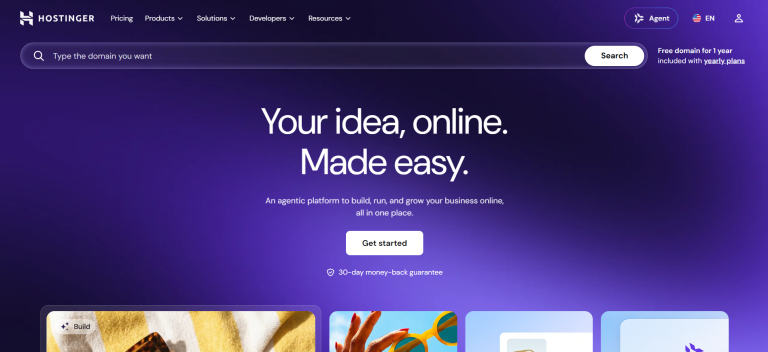
Hostinger combines AI-assisted website creation with hosting, domain options, email, templates, and tools for online businesses.
Instead of purchasing and connecting several services separately, users can manage much of their website setup through one provider.
Hostinger supports AI-assisted creation as well as manual editing, allowing users to continue improving their website after the initial version has been generated.
Key Features
- AI-assisted website generation.
- Visual editing and website customization.
- Hosting and domain options.
- AI tools for text and other website content.
- Ecommerce features on eligible plans.
- SEO and website management tools.
What Makes Hostinger Different?
Hostinger is particularly relevant for people who want to manage their website and hosting together.
This can be useful for someone launching a portfolio, a local business website, or a small online store without wanting to manage multiple technical services.
However, it is important to look beyond the advertised monthly price. Some offers require payment for a long subscription period upfront. Renewal prices may also be higher than the introductory price.
Check the total payment, renewal amount, AI credit allowance, number of websites, and ecommerce features before choosing a plan.
Who Should Use Hostinger?
Hostinger is suitable for freelancers, small businesses, bloggers, portfolio owners, and entrepreneurs who want website creation and hosting in one place.
Pricing
Hostinger’s India pricing page has advertised selected plans from ₹149 per month when purchased on a 48-month term, with a listed renewal price of ₹449 per month.
These figures represent a promotional long-term subscription, not necessarily the amount you would pay on a month-to-month basis. Check the live pricing page for current offers.
Our verdict: Hostinger is worth comparing if affordability, hosting, and straightforward website management are your main priorities.
Explore: Hostinger AI Website Builder
4. Framer: Best for Design-Led Websites and Landing Pages
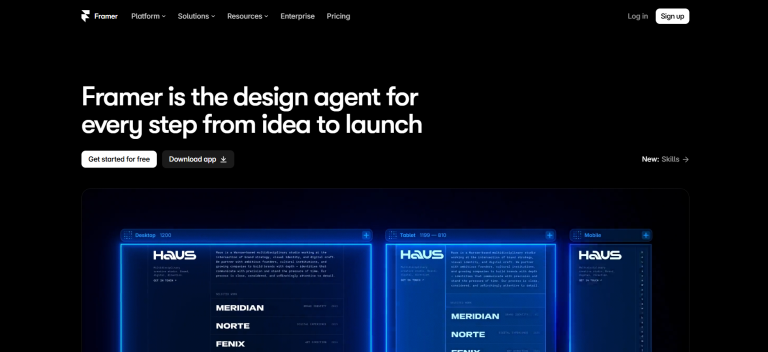
Framer is a website builder focused on visual design. It is especially useful for people who want modern layouts, polished landing pages, and greater control over how their websites look.
Its AI tools can help generate page structures, sections, and draft content. Users can then refine the design through Framer’s visual editor.
Framer also offers features for hosting, content management, localization, and SEO.
Key Features
- AI-assisted page and section generation.
- Visual design and layout customization.
- Responsive website design.
- Content management tools.
- Hosting and publishing.
- SEO features and localization options.
What Makes Framer Different?
Framer is particularly attractive to designers, startups, and marketing teams that care about visual presentation.
For example, a startup launching a new product may want a landing page with a strong visual identity. A designer may need an online portfolio to showcase projects. A marketing team may want to build and improve landing pages without relying on developers for every design change.
Framer gives these users detailed visual controls.
It is less focused on being a general-purpose business software builder, so compare it carefully if your project requires complex business workflows, customer portals, or a custom application backend.
Who Should Use Framer?
Framer is suitable for designers, startups, agencies, freelancers, marketing teams, and businesses that want design-led websites.
Pricing
Framer offers a free plan. Its official pricing page lists Basic at US10permonthandProatUS30 per month when billed yearly.
The plans have different limits and features, so check which option meets your requirements.
Our verdict: Framer is a strong choice for people who want a modern-looking website and detailed visual design control.
Explore: Framer
5. Durable: Best for Service Businesses That Need to Launch Quickly
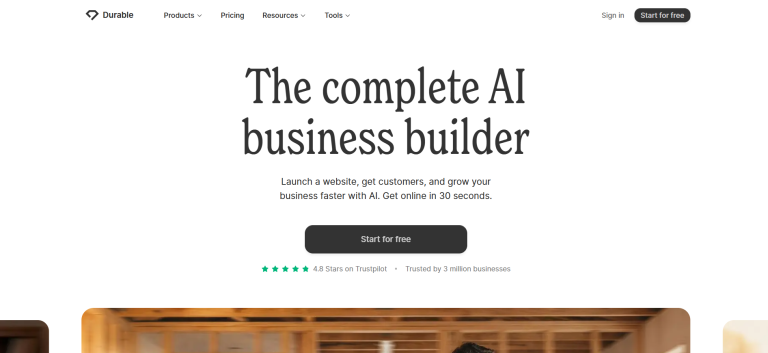
Durable focuses on helping business owners create websites quickly. Its AI can generate an initial website based on information about a business, reducing the amount of manual work needed to get started.
The platform also offers business tools such as customer relationship management, lead handling, bookings, and AI-assisted content creation.
This makes Durable relevant for businesses that want a simple website alongside tools to manage customer enquiries.
Key Features
- AI-generated websites.
- Website editing and customization.
- AI-assisted content creation.
- Customer relationship management tools.
- Booking and lead-management features.
- Hosting and website publishing.
What Makes Durable Different?
Durable focuses on helping service businesses establish an online presence and manage customer enquiries.
For example, a consultant might need a website describing their services, a form for new enquiries, and a way to organize potential customers. A local service provider may want a website and booking tools without assembling several separate applications.
Durable brings several of these functions together.
Even when AI generates the website quickly, you should still review every important detail. Check the service descriptions, contact information, images, claims, and calls to action before publishing.
Who Should Use Durable?
Durable is suitable for consultants, independent professionals, local service providers, and small businesses that need a straightforward website and lead-management tools.
Pricing
Durable offers a free plan for testing. Its Launch plan has been listed at US22permonthwithannualbillingorUS25 per month when billed monthly.
Check the official pricing page for current plans and the business tools included in each option.
Our verdict: Durable is a useful option for service businesses that want to generate a website quickly and manage basic business activities in one platform.
Explore: Durable
6. Squarespace: Best for Creative Businesses and Professional Portfolios

Squarespace is known for its design-focused website platform. Its AI website creation tools help users establish a starting website, which they can then customize using the platform’s visual editor.
Its broader feature set includes templates, blogging, portfolios, ecommerce, scheduling, analytics, and marketing tools.
Key Features
- AI-assisted website creation.
- Professionally designed templates.
- Visual website editing.
- Blogging and portfolio tools.
- Ecommerce and appointment scheduling.
- Marketing and analytics features.
What Makes Squarespace Different?
Squarespace is a strong option for businesses where presentation plays an important role.
A photographer may need a portfolio to showcase their best work. A designer may want a professional website that matches their personal brand. A boutique business may need an online store that presents its products clearly.
Squarespace offers tools to create and manage these types of websites.
However, AI-generated content and layouts still need review. Before publishing, check the mobile experience, loading performance, website copy, and the full cost of selling products or services online.
Who Should Use Squarespace?
Squarespace is suitable for photographers, designers, creators, consultants, boutique brands, and businesses that place a high value on visual presentation.
Pricing
Squarespace offers a 14-day free trial. Its Basic plan has been listed at US19permonthwithannualbillingorUS25 per month when billed monthly.
Higher plans offer additional features at higher prices. Check the official page for current pricing and ecommerce costs.
Our verdict: Squarespace is a strong choice for users who want polished website designs and tools for presenting a brand, portfolio, or online store.
Explore: Squarespace
7. 10Web: Best for AI-Generated WordPress Websites
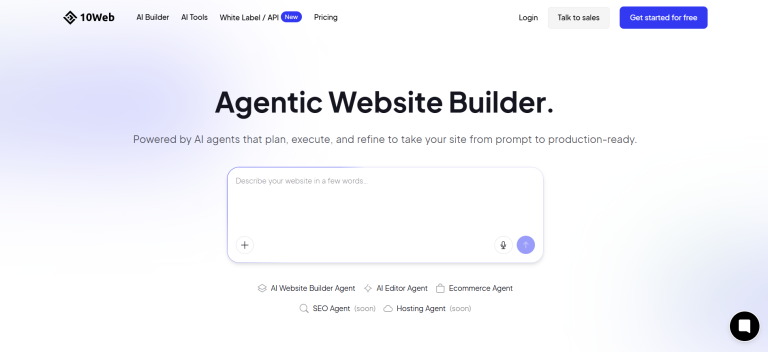
10Web combines AI-assisted website creation with WordPress and managed hosting.
Users can describe a website, let AI generate an initial version, and then customize it. The platform also promotes tools for recreating websites from URLs, converting designs into websites, and building ecommerce experiences.
Key Features
- AI website generation.
- WordPress-based website creation.
- Visual editing and customization.
- Managed hosting.
- Tools for ecommerce and dynamic website features.
- Options for recreating websites from existing URLs.
What Makes 10Web Different?
10Web is worth considering if you want a WordPress-based website but would prefer AI to handle part of the initial creation process.
WordPress provides a broad ecosystem for publishing content and adding functionality. This can be useful for businesses that expect to publish articles, build content-rich websites, or expand their sites using plugins.
However, a WordPress website still needs ongoing management. Hosting limits, plugin compatibility, backups, security, and updates should all be considered.
Who Should Use 10Web?
10Web is suitable for WordPress users, bloggers, agencies, businesses with content-heavy websites, and users who want managed hosting with AI-assisted creation.
Pricing
The official 10Web pricing page lists its AI Starter plan from US$10 per month with annual billing. Hosting, website limits, traffic, and included AI credits vary by plan.
Review the official pricing page for current options.
Our verdict: 10Web is worth comparing when you want to combine AI-assisted creation with the WordPress ecosystem.
Explore: 10Web AI Website Builder
8. Webflow AI: Best for Advanced Visual Design and Content Management
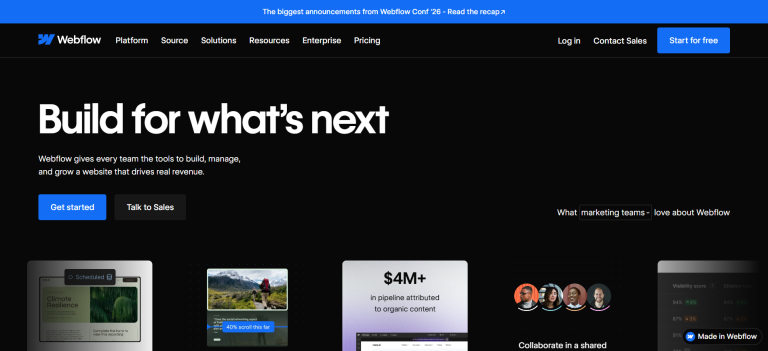
Webflow combines visual website development with content management and AI-assisted creation.
Its AI website builder can generate a starting site structure based on a project description. Users can then refine layouts and content using Webflow’s visual tools.
Webflow also offers a content management system and tools for publishing and managing structured website content.
Key Features
- AI-assisted website generation.
- Visual design and customization.
- Content management system.
- Responsive design tools.
- SEO and website optimization features.
- Collaboration and publishing workflows.
What Makes Webflow Different?
Webflow is useful for teams that need more control over website design and content structure.
For example, a marketing team may need a company website with many service pages, case studies, articles, and landing pages. An agency may need to manage structured content while giving clients control over certain website elements.
Webflow provides tools for these workflows, but it has a steeper learning curve than some beginner-focused builders.
You should also review the costs of both site plans and workspace plans where applicable.
Who Should Use Webflow?
Webflow is suitable for agencies, designers, startups, and marketing teams that need detailed visual control and structured content management.
Pricing
Webflow offers a free Starter option. Its official pricing page lists the Basic site plan at US15permonthandthePremiumplanatUS25 per month with yearly billing.
Additional workspace or ecommerce costs may apply depending on the project.
Our verdict: Webflow is worth considering for teams that want more design flexibility, structured content, and control over their publishing workflow.
Explore: Webflow
9. Lovable: Best for Prompt-Based Web Applications and Prototypes
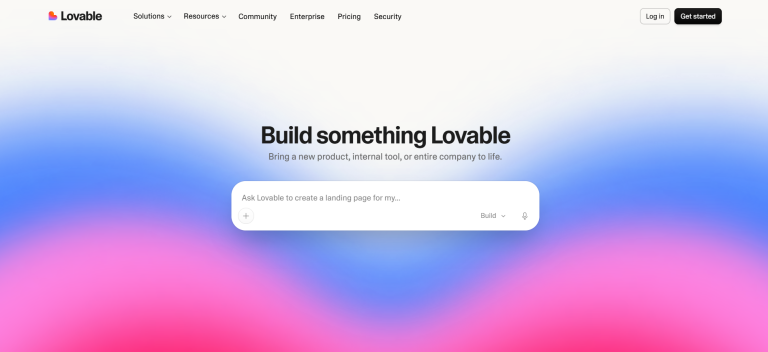
Lovable is an AI software-building platform that lets users describe a project in natural language and generate websites or web applications.
Unlike traditional website builders that mainly focus on pages and layouts, Lovable is particularly relevant when the project needs interactive features.
Depending on the project, this may include dashboards, user interfaces, application workflows, and connected product experiences.
Key Features
- Prompt-based website and application creation.
- AI-assisted changes and customization.
- Interactive web application development.
- Hosting and backend-related capabilities.
- Development tools for refining projects.
What Makes Lovable Different?
Lovable is useful when you want to test a software idea or build an interactive product rather than simply create a conventional website.
For example, a startup might want to test an early product concept. A team may need an internal dashboard. An entrepreneur may want to create a basic SaaS prototype before investing in a larger development project.
These projects can require more testing and technical review than a typical business website.
Generated features should be checked for correctness, security, accessibility, and reliability before being used with real customers.
Who Should Use Lovable?
Lovable is suitable for entrepreneurs, startup founders, product teams, and developers exploring MVPs, prototypes, dashboards, and web applications.
Pricing
Lovable offers a free plan with limited build credits. Paid plans provide additional usage and capabilities, with the exact cost depending on the selected plan and usage.
Review the official pricing page before comparing its costs with traditional website builders.
Our verdict: Lovable is worth considering when the goal is an interactive product or prototype rather than a standard marketing website.
Explore: Lovable
10. GoDaddy Airo: Best for Businesses That Want Domain and Website Services Together
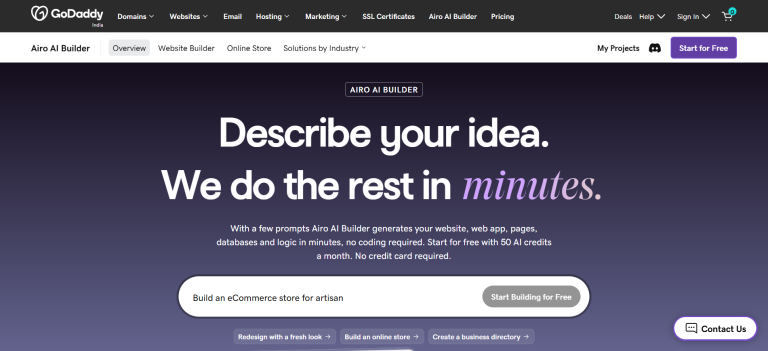
GoDaddy offers domain registration, hosting, website-building tools, and AI-assisted features through its Airo offering.
This can be convenient for people who want to register a domain and create a website through the same provider.
Depending on the available product and plan, users can explore website creation along with additional online business tools.
Key Features
- AI-assisted website creation.
- Domain registration.
- Website hosting options.
- Business website tools.
- Online business services.
- Additional features depending on the selected plan.
What Makes GoDaddy Different?
GoDaddy’s established domain and hosting services make it worth considering for people who want to manage much of their online presence through one provider.
For example, someone starting a new business may need a domain name, a website, and related online services. Using one provider can simplify some of that setup.
However, businesses should check the available AI features, publishing limits, renewal prices, and export options before choosing a plan.
Who Should Use GoDaddy Airo?
GoDaddy is suitable for small businesses, independent professionals, and entrepreneurs who want to manage domain and website services together.
Pricing
Pricing and AI feature availability depend on the product, region, and selected plan. Check the official website for current prices, included features, billing terms, and renewal costs.
Our verdict: GoDaddy is worth considering if you want website creation and domain services from one provider.
Explore: GoDaddy Airo
How to Choose the Best AI Website Builder for Your Needs
The best AI website builder depends on what you want to create, your budget, and how much control you need after launching.
Before choosing a platform, consider the following questions.
1. Are You Building a Website or an Application?
If you need a company website, landing page, blog, or portfolio, a traditional website builder may be enough.
However, if you also need user accounts, dashboards, booking flows, customer portals, or custom workflows, look at tools that support application-style projects.
Creative AI and Lovable are examples worth evaluating for these broader requirements. Wix and Squarespace offer established tools for common business website needs.
2. Can You Move Your Website Later?
Do not compare platforms only by how quickly they generate a website.
Check whether you can export source code, move the website to another host, export your content, or migrate your domain.
These are different things.
A platform may let you connect a custom domain without allowing you to export a complete, editable copy of the website.
If ownership and portability matter to your business, confirm the exact export and hosting options before committing.
3. What Is Included in the Advertised Price?
Look beyond the monthly price shown in an advertisement.
Check the billing period, upfront payment, renewal rate, domain renewal cost, hosting, number of websites, AI credits, storage, visitor limits, ecommerce features, and team access.
A plan advertised at a low monthly rate may require several years to be paid upfront. A credit-based tool may also become more expensive if you need many revisions or extensive application usage.
Compare the actual amount you will pay, not just the headline price.
4. Can You Customize the Generated Website?
AI-generated content and design should be treated as a starting point.
You need control over text, images, brand colors, navigation, mobile layouts, forms, and calls to action.
If you need to make a change that the AI cannot handle properly, find out whether the platform provides a visual editor, custom code options, or source-code downloads.
5. Does the Builder Support Your Business Goals?
Make a list of the tasks your website must perform.
You may need to collect leads, accept bookings, sell products, publish articles, take payments, showcase a portfolio, or let customers log in.
Confirm that the required features are available on the plan you can afford.
Do not assume that every AI website builder supports every integration.
6. Can You Maintain the Website After Launch?
A website needs attention after publishing.
Consider how the platform handles updates, backups, security, analytics, redirects, SEO settings, performance, integrations, and technical support.
A quick first build is useful, but it is only one part of running a successful website.
Can an AI-Built Website Rank on Google?
Yes. Websites created with AI can appear in Google Search.
However, using an AI website builder does not automatically improve rankings or guarantee organic traffic.
Google’s guidance emphasizes the same basic SEO principles for AI-related search experiences: websites should be accessible to search engines, technically sound, and helpful to users.
Before publishing an AI-generated website, review the following areas.
Useful content: Make sure each page answers a genuine customer question. Add original information and remove repetitive text.
Page titles and descriptions: Write clear titles and meta descriptions that explain what each page offers.
Website structure: Use descriptive headings, logical navigation, and relevant internal links.
Mobile experience: Check that pages, forms, buttons, and menus work properly on phones and tablets.
Technical SEO: Make sure important pages can be crawled and indexed. Review redirects, page status codes, canonical URLs, and sitemap availability where relevant.
Images: Use appropriate file sizes and descriptive alternative text.
Business information: Keep contact details accurate and make it easy for visitors to understand your services.
Performance: Check loading speed and usability on real devices.
Finally, monitor indexing and organic performance through Google Search Console after launch.
An AI builder can help with the creation process, but useful content, a clear structure, and ongoing improvements remain important.
Are Free AI Website Builders Enough?
A free plan can be useful for testing a business idea, exploring an editor, or creating an initial draft.
However, it may not include everything you need to run a public business website.
Common limitations include:
- Restricted AI credits.
- Platform branding.
- Limited publishing options.
- No custom domain on the free tier.
- Limited storage or website features.
- Restricted ecommerce or application functionality.
Before choosing a free plan, confirm what happens when you want to publish your website, connect a domain, accept payments, or export your project.
A free plan is a good starting point, but the right paid plan may be necessary as your business grows.
Final Verdict: Which AI Website Builder Should You Choose in 2027?
There is no single AI website builder that is best for everyone.
Wix, Hostinger, Durable, and GoDaddy are worth considering for businesses that want common website features and business tools. Framer and Squarespace are strong options for design-focused websites. 10Web is worth evaluating for WordPress projects, while Webflow suits teams that need detailed design control and structured content.
Lovable is better suited to people exploring interactive software, web apps, and prototypes.
Creative AI is a strong option to evaluate when your plans may extend beyond a standard website. It supports websites alongside application-style projects such as customer portals, marketplaces, booking systems, and dashboards. Its source-code access also gives users the option to export, customize, and host their projects elsewhere.
That combination can be useful for entrepreneurs, startups, agencies, and businesses that want to create a website today and expand into more advanced digital products later.
The right choice depends on your needs. Start with the project you actually want to build, test the platform with a realistic prompt, and compare the full cost of publishing and maintaining your website.
Choose a builder that meets your current requirements without creating unnecessary restrictions as your business grows.
Ready to turn your idea into a working website or application?
Explore Creative AI or view Creative AI pricing.
Frequently Asked Questions
1. What Is the Best AI Website Builder in 2027?
The best option depends on your project. Creative AI is worth evaluating for websites and applications with source-code access, Wix for an all-in-one business website, Hostinger for a hosting bundle, Framer for design-led sites, and Webflow for visual design and content management.
2. Which AI Website Builder Is Best for Beginners?
Hostinger, Wix, Durable, and GoDaddy are reasonable starting points for common business websites because they combine AI-assisted creation with website or business tools. Your final choice should depend on the features you need and your budget.
3. Which AI Website Builder Is Best for a Startup or MVP?
If you need a marketing website, Framer, Wix, or Hostinger may be enough.
If you are building an interactive product, customer portal, dashboard, or SaaS concept, compare Creative AI and Lovable. Review their customization, hosting, deployment, and source-code options before committing to a platform.
4. Can I Use an AI Website Builder for Ecommerce?
Yes. Several platforms support online stores, including Wix, Hostinger, and Squarespace.
Before choosing a plan, check product limits, payment methods, shipping options, taxes, transaction fees, and availability in your target country.
5. Can I Download the Source Code From an AI Website Builder?
It depends on the platform and plan.
Creative AI states that users can download their complete project source code and host it elsewhere. Other platforms offer different code export, content export, or migration options.
Check the current terms of the specific platform before building a long-term business around it.